




Artificial intelligence tools are already finding their way into everyday business workflows. Emails are drafted faster, documents take shape more quickly, and information is easier to summarise. In many workplaces, this is happening before anyone has stepped back to decide how these tools should be used.
That is where the comparison between Copilot vs ChatGPT starts to matter.
Both tools are powerful. Both are widely discussed. They are designed for different types of work, and that difference becomes clearer as AI tools move into everyday operations.
Key takeaways
- Copilot vs ChatGPT comes down to how each tool fits into everyday business work, not which one is more powerful.
- Microsoft Copilot works inside Microsoft 365 and supports routine tasks across familiar tools like Outlook, Word, Excel and Teams.
- ChatGPT is a standalone AI tool that can add value for drafting, brainstorming and learning when its use is clearly defined.
- Clear guidance and a considered approach help AI deliver value without adding unnecessary complexity or risk.

Why the Copilot vs ChatGPT comparison matters for businesses
In many organisations, AI tools appear through staff curiosity, vendor updates or software add-ons. Teams are busy, and experimentation often happens quietly alongside existing work.
This leads to a familiar pattern. Staff try new tools without clear boundaries. Different teams use different approaches. Licences are added without a clear plan. Questions around data handling and privacy appear later.
AI can deliver real value, but only when it fits how a business already operates. Understanding Copilot vs ChatGPT helps organisations choose tools that align with their workflows and manage risk at the same time.
What is Microsoft Copilot, and where does it live?
Microsoft Copilot is an AI assistant embedded within Microsoft 365 applications. Businesses using Microsoft tools already see Copilot inside the platforms their teams rely on each day.
You will typically encounter Copilot in Outlook, Word, Excel, PowerPoint and Teams. It supports tasks such as drafting emails, summarising conversations, analysing spreadsheets, preparing presentations and capturing meeting outcomes.
Because Copilot operates inside the Microsoft environment, it works with real business content rather than generic examples. It also follows existing user permissions, which means it only accesses information a person is already allowed to see.
What is ChatGPT, and how do businesses use it
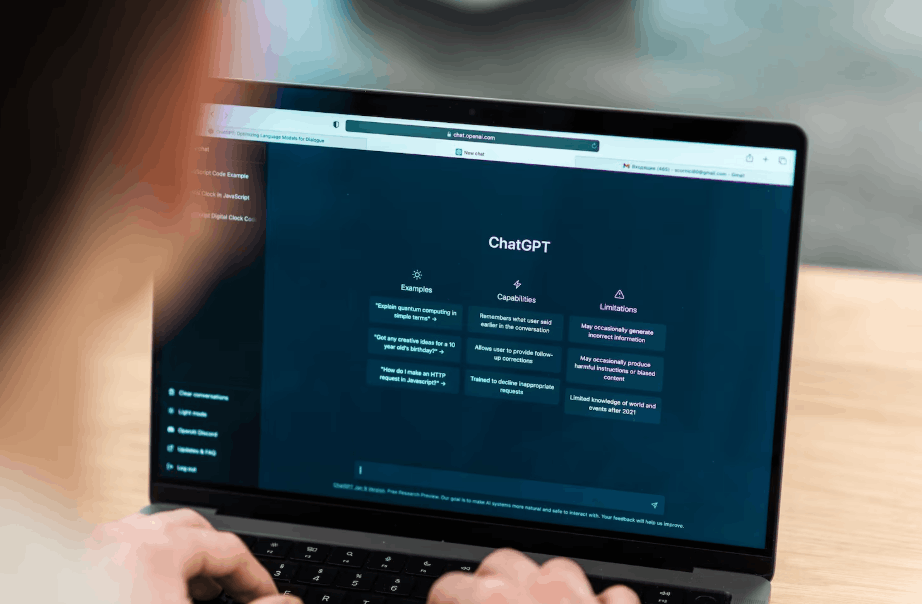
ChatGPT is a standalone AI tool created by OpenAI. It is accessed through a web or desktop application and does not connect to business systems by default.
In practice, many businesses use ChatGPT for drafting content, brainstorming ideas, creating templates, explaining unfamiliar topics and supporting creative or technical tasks. Its flexibility makes it useful across many industries and roles.
This flexibility also means ChatGPT relies heavily on user judgment. The quality of outcomes depends on what information is shared and how results are reviewed.
Where Copilot and ChatGPT fit into daily work
The difference between Copilot vs ChatGPT becomes clearer when looking at how each tool fits into everyday business tasks.
| Area | Microsoft Copilot | ChatGPT |
| Where it operates | Works inside Microsoft 365 applications such as Outlook, Word, Excel, PowerPoint and Teams | Operates as a separate tool accessed through a web or desktop app |
| Business context | Can work with existing emails, documents and meetings within your Microsoft environment | Works only with information entered during the conversation |
| Control and governance | Follows Microsoft 365 security settings and user permissions | Relies on internal policies and user behaviour to manage risk |
| Ease of adoption | Feels familiar to teams already using Microsoft tools | Requires users to understand prompts, limits and appropriate use |
These differences shape how each tool fits into business operations and how easily it can be managed at scale.

When Microsoft Copilot makes more sense for business use
Microsoft Copilot tends to suit organisations that already rely on Microsoft 365 and want AI support built into existing workflows.
It is often a good fit for businesses that value consistency, controlled access to information and minimal disruption to how teams work. Common use cases include reviewing business email conversations, preparing reports, analysing financial data and summarising meetings.
Copilot improves productivity quietly in the background. For many teams, this feels less like adopting a new tool and more like improving the ones they already use.
When ChatGPT can still add value at work
ChatGPT can still play a useful role in business settings when it is used with intention and structure.
It works well for early-stage drafting, brainstorming ideas, building generic frameworks and supporting research tasks. People often find it helpful to have a thinking partner when exploring new topics or approaches.
Clear expectations are important. ChatGPT is most effective when businesses define how it should be used and what information should remain outside the tool.
Common mistakes businesses make with AI tools
Challenges usually appear when AI tools are introduced without structure.
Some organisations assume Copilot vs ChatGPT are interchangeable, which leads to frustration and inconsistent outcomes. Others leave staff to decide how tools should be used, increasing the risk of sensitive information being shared or AI output being trusted without review.
Security and compliance are also overlooked. AI tools do not remove obligations under Australian privacy and data protection requirements. Adding licences without aligning them to real workflows often results in limited value.

Security and compliance considerations for Australian businesses
Before introducing AI tools, businesses should consider how information is handled and protected.
Key areas include where data is processed, who has access to AI features, what information staff are allowed to use and how outputs are reviewed. These considerations apply regardless of the tool chosen.
Microsoft Copilot aligns more easily with existing Microsoft security and compliance frameworks, which many Australian businesses already rely on. ChatGPT can still be used safely, but it requires clear rules, training and oversight to manage risk effectively.
How BIZ-LYNX Technology supports responsible AI use
BIZ-LYNX Technology supports Perth and WA businesses by helping them introduce AI in a structured and practical way. This includes reviewing existing systems, clarifying where Copilot vs ChatGPT fits into day-to-day work, and aligning AI tools with Microsoft 365.
We also help businesses put clear guidelines in place around acceptable use, data handling, security and compliance. The aim is to make AI easier to manage and understand, so it becomes a useful part of everyday operations rather than a source of confusion or risk.

Put AI to work with confidence
AI tools continue to evolve, which makes clear decision-making essential. Understanding Copilot vs ChatGPT helps organisations decide where to start, how each tool fits into existing systems, and how it should be used day to day.
For many Microsoft 365 environments, Copilot provides a practical starting point, with ChatGPT adding value when its role is clearly defined. When questions remain, taking the time to pause, review and seek guidance can help AI settle into everyday operations in a controlled and manageable way.
Speak with our team today and let’s work together to find the right AI solutions for your business.
Frequently asked questions
Q. Is Copilot vs ChatGPT a security decision or a productivity decision?
A. It is usually both. Productivity gains are often the reason businesses explore AI, but security and data handling shape how safely those gains can be realised. Copilot fits more naturally into existing Microsoft 365 security and permission models, while ChatGPT requires clearer internal rules to manage risk. Looking at both together helps avoid trade-offs later.
Q. Can Copilot and ChatGPT be used together in the same business?
A. Yes. Some organisations use Copilot for day-to-day work inside Microsoft 365 and allow ChatGPT for specific tasks like drafting or research. This works best when each tool has a defined role, and staff understand when to use one instead of the other.
Q. Can AI tools create issues with version control or document ownership?
A. They can if processes are unclear. When AI is used to draft or edit content, teams need to understand where the ‘source of truth’ lives. Copilot aligns more easily with existing document management practices in Microsoft 365, while ChatGPT requires more manual discipline to avoid duplication or confusion.
Q. How often should businesses revisit their AI approach?
A. AI tools and features change quickly. A light review every six to twelve months is usually enough to ensure tools are still being used as intended and aligned with business needs. This is often simpler than making large changes after habits are already established.
Q. Can AI tools introduce inconsistency in tone or messaging?
A. They can. When multiple people use AI without guidance, outputs can vary in tone, structure and quality. Setting basic expectations around review and style helps ensure AI-generated content still reflects the business accurately.