
When was the last time you looked at your company’s password policy? Many small to mid-sized businesses still rely on trust and memory instead of clear standards, and that leaves valuable systems exposed. Unfortunately, that approach leaves valuable systems and data exposed.
Weak or stolen credentials are among the most common causes of cyber incidents in Australia. The Australian Cyber Security Centre (ACSC) continues to report that compromised passwords are a leading factor in data breaches. For a small business, even one compromised account can lead to data loss, downtime, or serious reputational damage.
Strong, consistent password standards provide one of the simplest ways to protect your business and your people.
Key takeaways
- Password standards are your first line of defence against cyber threats and data breaches.
- Length and uniqueness matter more than symbols; long passphrases and MFA are your best protection.
- Training your team is essential. Most breaches happen because of human error, not technology failure.
- Essential8 compliance starts with basics like clear password policies and regular reviews.
- A practical policy works best. Simple, documented standards keep everyone on the same page.
Why password standards matter
Passwords act as digital keys to your organisation. Without clear rules for how they’re created, used, and stored, your defences rely on luck rather than structure. A well-defined password standard promotes consistent security practices across your team, reduces the chance of human error, and supports compliance with recognised cybersecurity frameworks like the Australian Essential Eight and NIST (National Institute of Standards and Technology) guidelines.
Weak passwords don’t just make it easier for cybercriminals to get in; they can also put your business at risk of regulatory breaches, data loss, and unexpected downtime. Attacks like phishing, credential stuffing, or brute-force attempts often target the simplest route in: poorly managed passwords.
For growing businesses, setting password standards is an affordable, high-impact step toward improving security, protecting your reputation, and demonstrating a genuine commitment to data protection; something clients and partners increasingly expect.
Understanding the risk of weak passwords
Most cyberattacks aren’t highly sophisticated. They’re automated attempts that scan for weak or reused passwords across thousands of accounts. Once a hacker finds one, they’ll often try the same credentials on other platforms: a tactic known as credential stuffing.
For example, if one of your team members uses the same login for a personal account and your business email, a breach on an unrelated website could easily lead to a compromise of your company’s systems.
Having clear password standards across your organisation helps prevent this by enforcing consistent, secure behaviour for everyone.
What makes a strong password standard
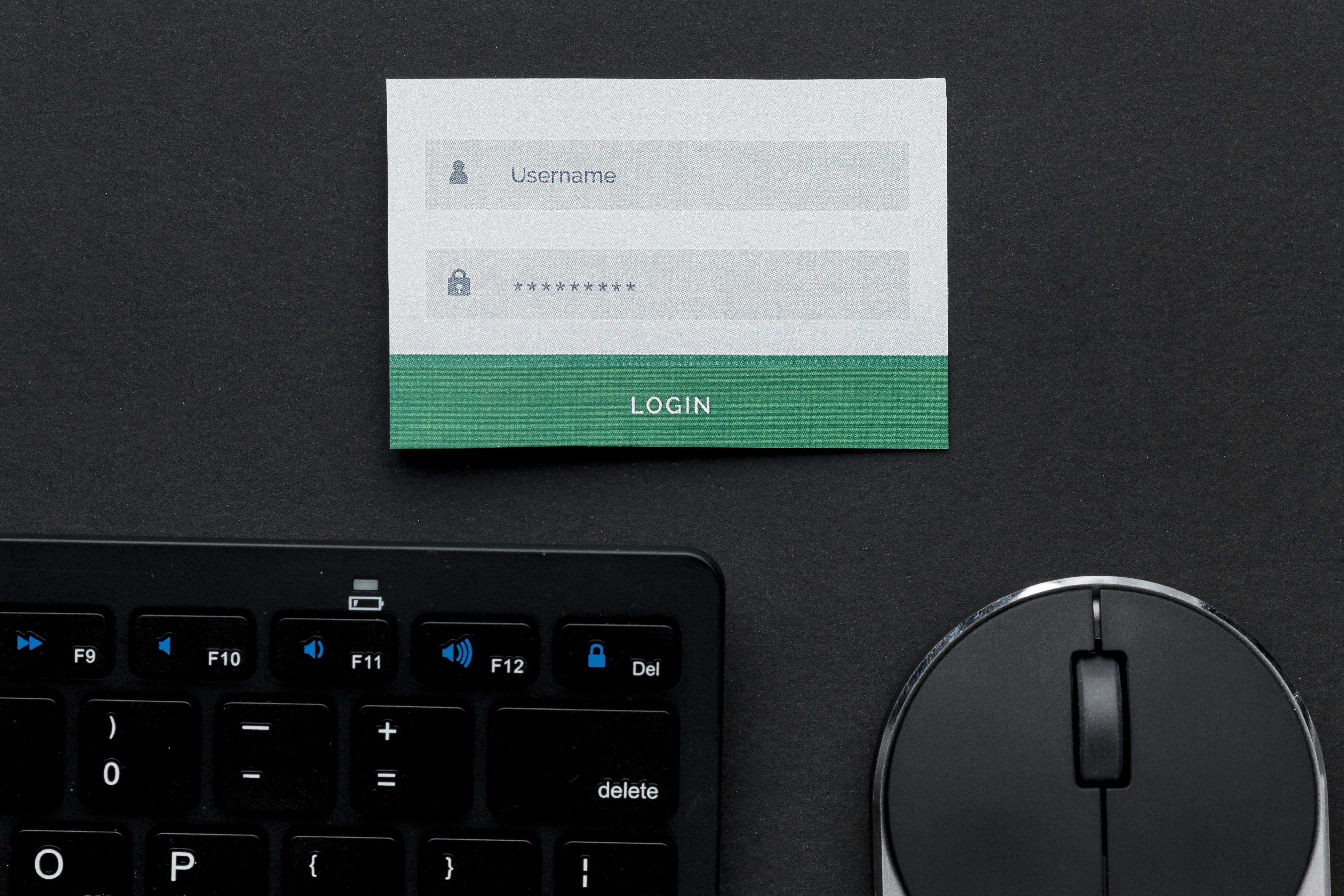
Modern cybersecurity best practices prioritise length, uniqueness, and layered protection over unnecessary complexity. A strong password doesn’t need to look like h86G#&^gU# to be secure. In fact, overly complex passwords are often hard to remember and more likely to be written down or saved insecurely.
Here’s what truly matters when creating secure passwords:
-
- Longer passwords or passphrases: Aim for 12–16 characters or more. Longer passwords take significantly more time and computing power to crack.
- Memorable but secure phrases: Random word combinations can be both easy to remember and highly secure, for example, “ocean-sunset-coffee-breeze” or “BlueVibrantColour99#”. This style offers strong protection while still being simple to type and recall.
- Avoid predictable substitution: Swapping letters for symbols (like @ for “a” or $ for “s”) no longer adds much security and password-cracking tools recognise these patterns instantly.
- Unique passwords for every account: Never reuse passwords across platforms. If one service is breached, reused passwords make all your other accounts vulnerable.
- Enable Multi-Factor Authentication (MFA): A second verification step, such as a code, app prompt, or fingerprint, dramatically increases security even if a password is compromised.
- Change only when needed: There’s no need for routine resets. Only change a password if:
- a breach is suspected,
- it’s shared incorrectly, or
- a staff member with access leaves the organisation.
Common mistakes businesses still make
Even with good intentions, password policies can fall short. Some of the most frequent issues include:
- Shared logins: When multiple users share a single account, accountability and security are lost.
- Unsecured storage: Keeping passwords in spreadsheets, emails, or notebooks increases the risk of exposure.
- Skipping MFA: Enabling this simple layer of protection could prevent many breaches.
- Lack of staff education: Without proper training, staff often ignore or misunderstand even the best policy.
How to introduce a password policy that works
A password policy should be easy to understand, simple to follow, and well communicated. Here’s how to build one that lasts:
- Raise awareness. Begin with a short session to explain why password security matters and what your policy includes.
- Use a password manager. Platforms like 1Password, Bitwarden, or NordPass make it easy to create, store, and share credentials securely.
- Implement MFA across key systems. Prioritise email, financial accounts, and cloud storage.
- Keep documentation concise. Write your standards in clear, practical language that everyone can understand.
- Review regularly. Update your policy as your systems or staff change to ensure it remains relevant.
Introducing strong password standards also supports Essential8 maturity and helps your business meet baseline cybersecurity requirements.
Frequently asked questions
- What are password standards, and why do they matter for small businesses?
- Password standards set the rules for how passwords are created, stored, and managed. They keep your team consistent and your systems protected. For small businesses, strong standards reduce the risk of data breaches, downtime, and lost trust.
- Who should be responsible for managing password standards in a small business?
- Every business should have someone who oversees the process, usually the business owner, office manager, or your managed IT provider. The key is accountability. Someone must document, share, and enforce the standards.
- How do password standards apply to remote or FIFO teams?
- Remote teams rely heavily on digital access, which makes password security even more important. Use MFA on every system, set clear password rules, and make sure remote staff use a secure password manager rather than storing passwords on personal devices.
- Can password standards help prevent phishing attacks?
- They can’t stop phishing emails from landing, but they can limit the damage if someone clicks a malicious link. When every password is unique and protected with MFA, a stolen password is much less likely to give attackers full access.
- How often should we review our password policy?
- At least once a year, or whenever your systems or staff change. A quick annual review helps keep your policy relevant, especially as new tools or security risks emerge.

Take the next step in strengthening your cybersecurity
Passwords are a core part of your business’s security foundation. When your organisation follows clear, consistent password standards, you reduce risk, protect sensitive information, and build a stronger security culture across your team.
Cybersecurity doesn’t have to be complex or intimidating. With the right guidance, you can put simple, effective systems in place that keep your business safe and compliant.
At BIZ-LYNX Technology, we make cyber security services simple for Perth businesses. Our team develops practical password policies, enables MFA, and ensures your systems meet Essential Eight standards.
Take control of your cybersecurity and start building a safer, smarter business with our local experts today. Together, we’ll put the right protections in place so your team can work with confidence, knowing your systems are secure.